> ## Documentation Index
> Fetch the complete documentation index at: https://mintlify-mintlify-7bcfddf6.mintlify.site/llms.txt
> Use this file to discover all available pages before exploring further.
# Changelogs
> Create product changelogs with date-based entries, RSS feed support, and subscriber notifications to keep users informed about updates.
Create a changelog for your docs by adding [Update components](/components/update) to a page.
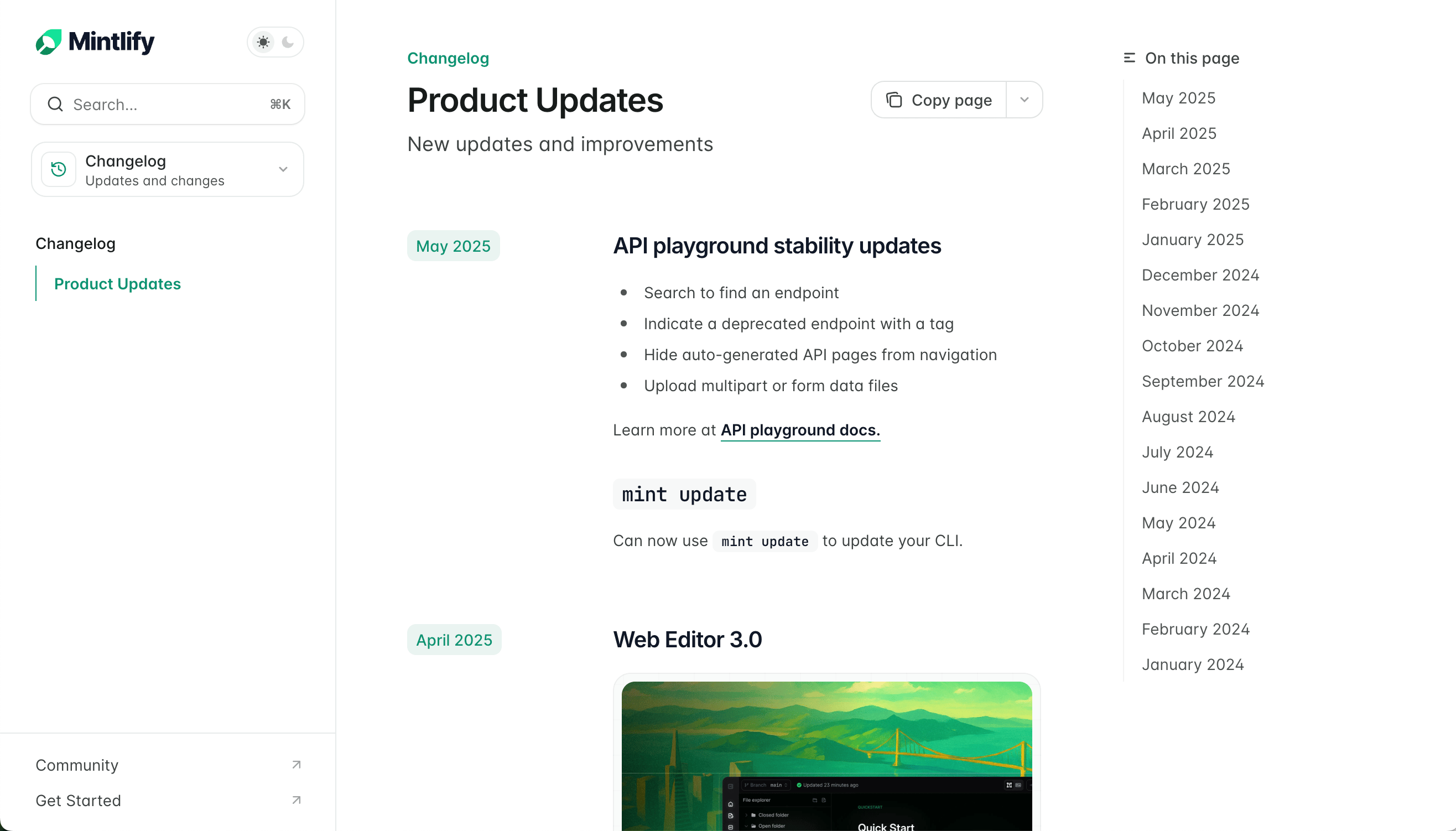
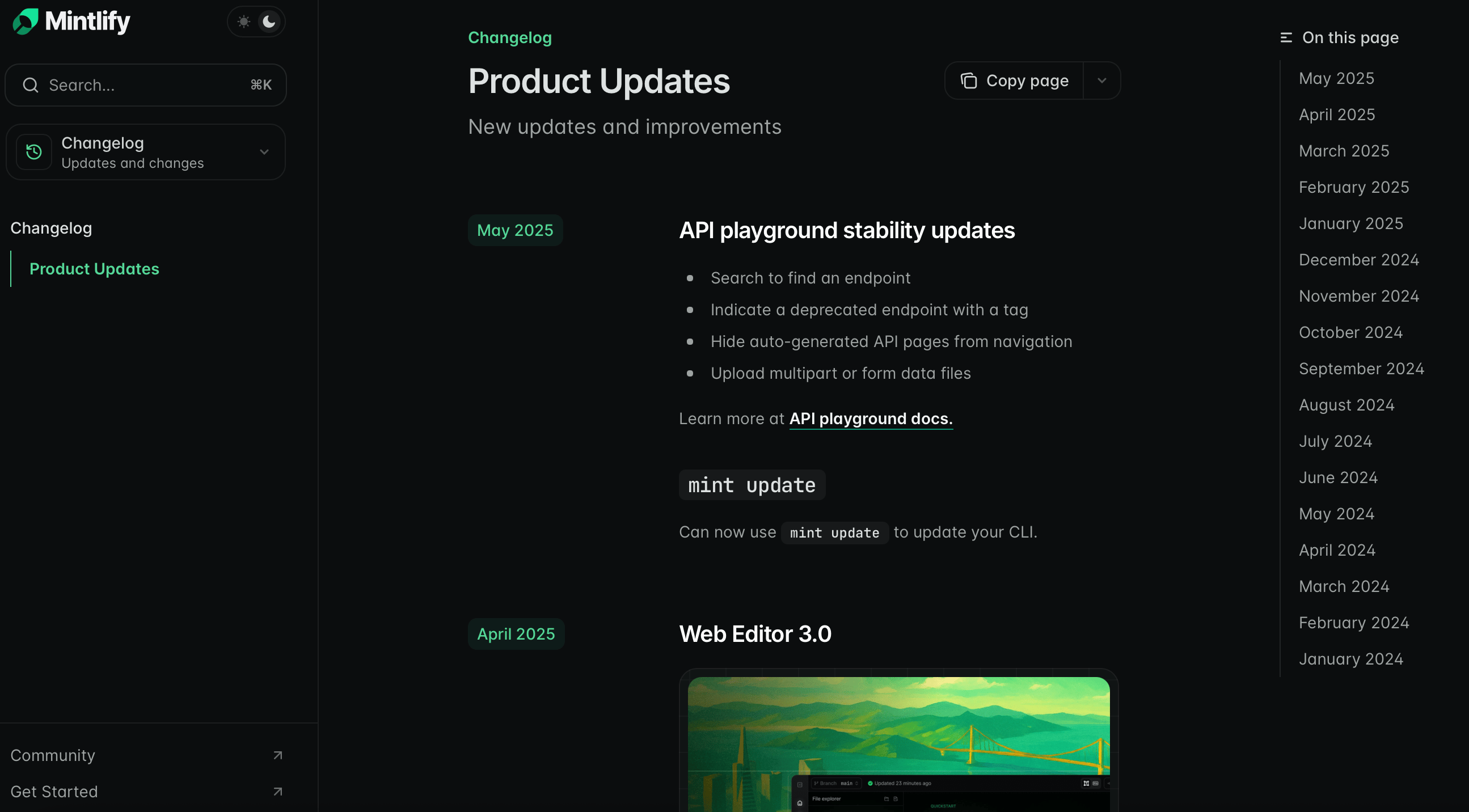
See the [Mintlify changelog](/changelog) as an example: you can include links, images, text, and demos of your new features in each update.
## Set up your changelog
1. Create a new page in your docs such as `changelog.mdx` or `updates.mdx`.
2. Add your changelog page to your navigation scheme in your `docs.json`.
Add an `Update` for each changelog entry.
Include relevant information like feature releases, bug fixes, or other announcements.
Entries appear in the order you list them in the file. Add new entries at the top of the file to display the most recent updates first.
```mdx Example changelog.mdx theme={null}
---
title: "Changelog"
description: "Product updates and announcements"
---
Added a new Wintergreen flavor.
Released a new version of the Spearmint flavor, now with 10% more mint.
Released a new version of the Spearmint flavor.
```
## Customize your changelog
Control how people navigate your changelog and stay up to date with your product information.
### Table of contents
Each `label` property for an `Update` automatically creates an entry in the right sidebar's table of contents. This is the default navigation for your changelog.
### Tag filters
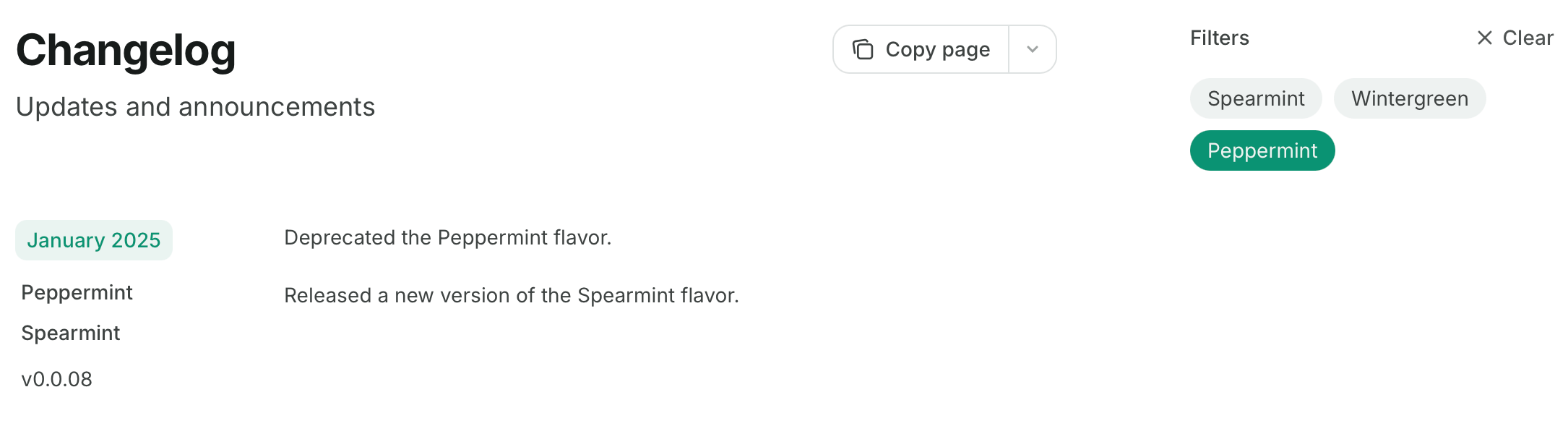
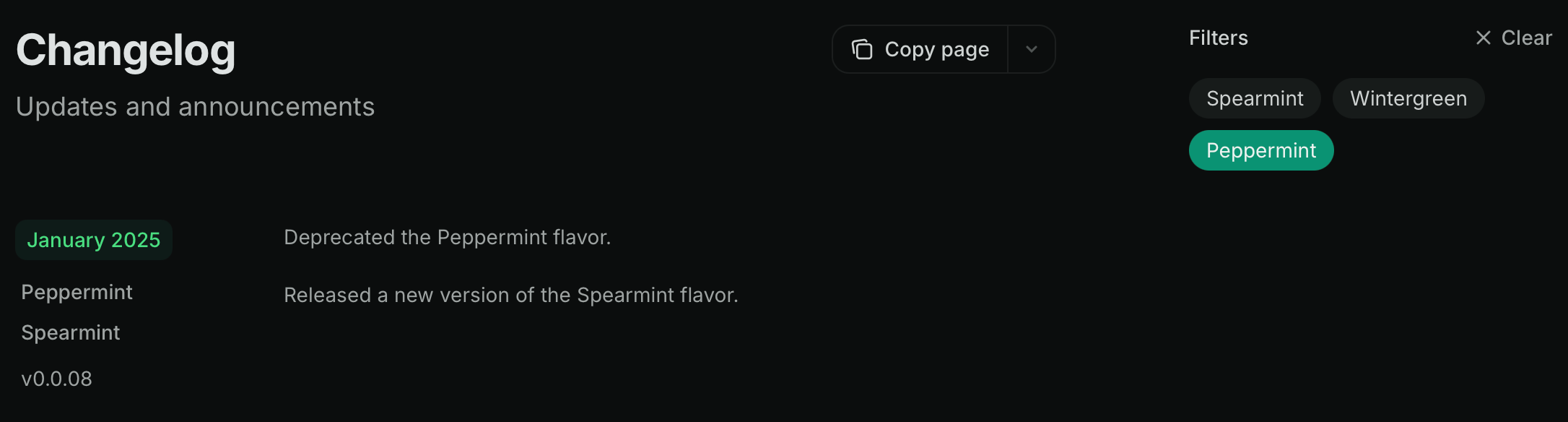
Add `tags` to your `Update` components to replace the table of contents with tag filters. Users can filter the changelog by selecting one or more tags.
When a user selects multiple tags, the changelog shows only updates that include every selected tag. The changelog hides updates without tags whenever a filter is active.
```mdx Tag filters example wrap theme={null}
Added a new Wintergreen flavor.
Released a new version of the Spearmint flavor, now with 10% more mint.
Released a new version of the Spearmint flavor.
Deprecated the Peppermint flavor.
Released a new version of the Spearmint flavor.
```
Using `custom`, `center`, or `wide` page modes hides the table of contents and changelog filters. Learn more about [page modes](/organize/pages#page-mode).
### Subscribable changelogs
RSS feeds are only available on public documentation.
Use `Update` components to create a subscribable RSS feed at your page URL with `/rss.xml` appended. For example, `mintlify.com/docs/changelog/rss.xml`.
The RSS feed publishes entries when you add new `Update` components and when you modify headings inside of existing `Update` components.
RSS feed entries contain pure Markdown only. They exclude components, code, and HTML elements. Use the `rss` property to provide alternative text descriptions for RSS subscribers when your updates contain excluded content.
```xml Example RSS feed theme={null}
<![CDATA[Product updates]]>
https://mintlify.com/docs
RSS for NodeMon, 21 Jul 2025 21:21:47 GMThttps://mintlify.com/docs<![CDATA[June 2025]]>
https://mintlify.com/docs/changelog#june-2025
https://mintlify.com/docs/changelog#june-2025Mon, 23 Jun 2025 16:54:22 GMT
```
RSS feeds can integrate with Slack, email, or other subscription tools to notify users of product changes. Some options include:
* [Slack](https://slack.com/help/articles/218688467-Add-RSS-feeds-to-Slack)
* [Email](https://zapier.com/apps/email/integrations/rss/1441/send-new-rss-feed-entries-via-email) via Zapier
* Discord bots like [Readybot](https://readybot.io) or [RSS Feeds to Discord Bot](https://rss.app/en/bots/rssfeeds-discord-bot)
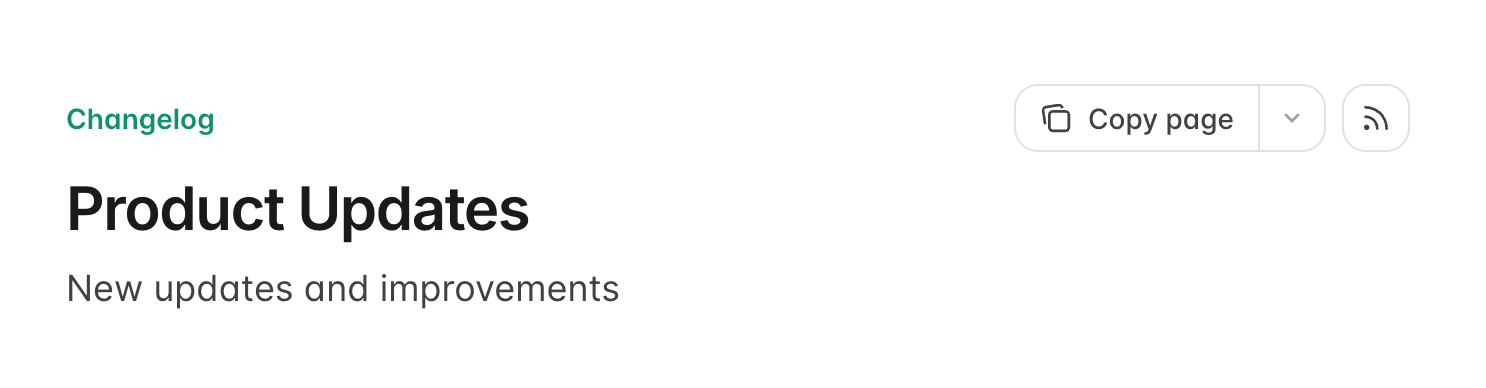
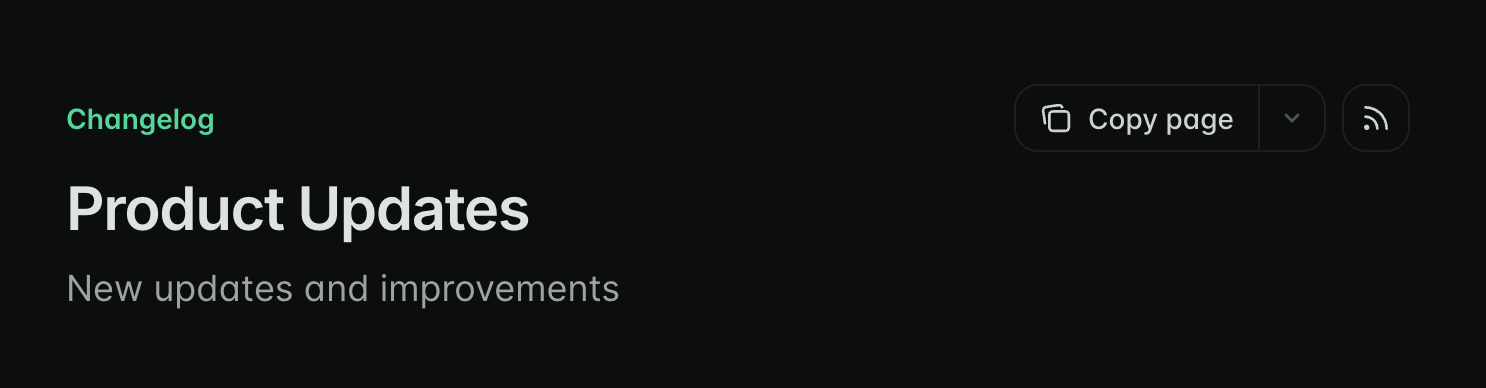
To make the RSS feed discoverable, you can display an RSS icon button that links to the feed at the top of the page. Add `rss: true` to the page frontmatter:
```mdx theme={null}
---
rss: true
---
```
 ### Tag filters
Add `tags` to your `Update` components to replace the table of contents with tag filters. Users can filter the changelog by selecting one or more tags.
When a user selects multiple tags, the changelog shows only updates that include every selected tag. The changelog hides updates without tags whenever a filter is active.
```mdx Tag filters example wrap theme={null}
### Tag filters
Add `tags` to your `Update` components to replace the table of contents with tag filters. Users can filter the changelog by selecting one or more tags.
When a user selects multiple tags, the changelog shows only updates that include every selected tag. The changelog hides updates without tags whenever a filter is active.
```mdx Tag filters example wrap theme={null}